
Set up in an afternoon. Really.
Four steps to move off the spreadsheet. No imports to figure out, no training required — if you can use a phone, you can use Kovata.
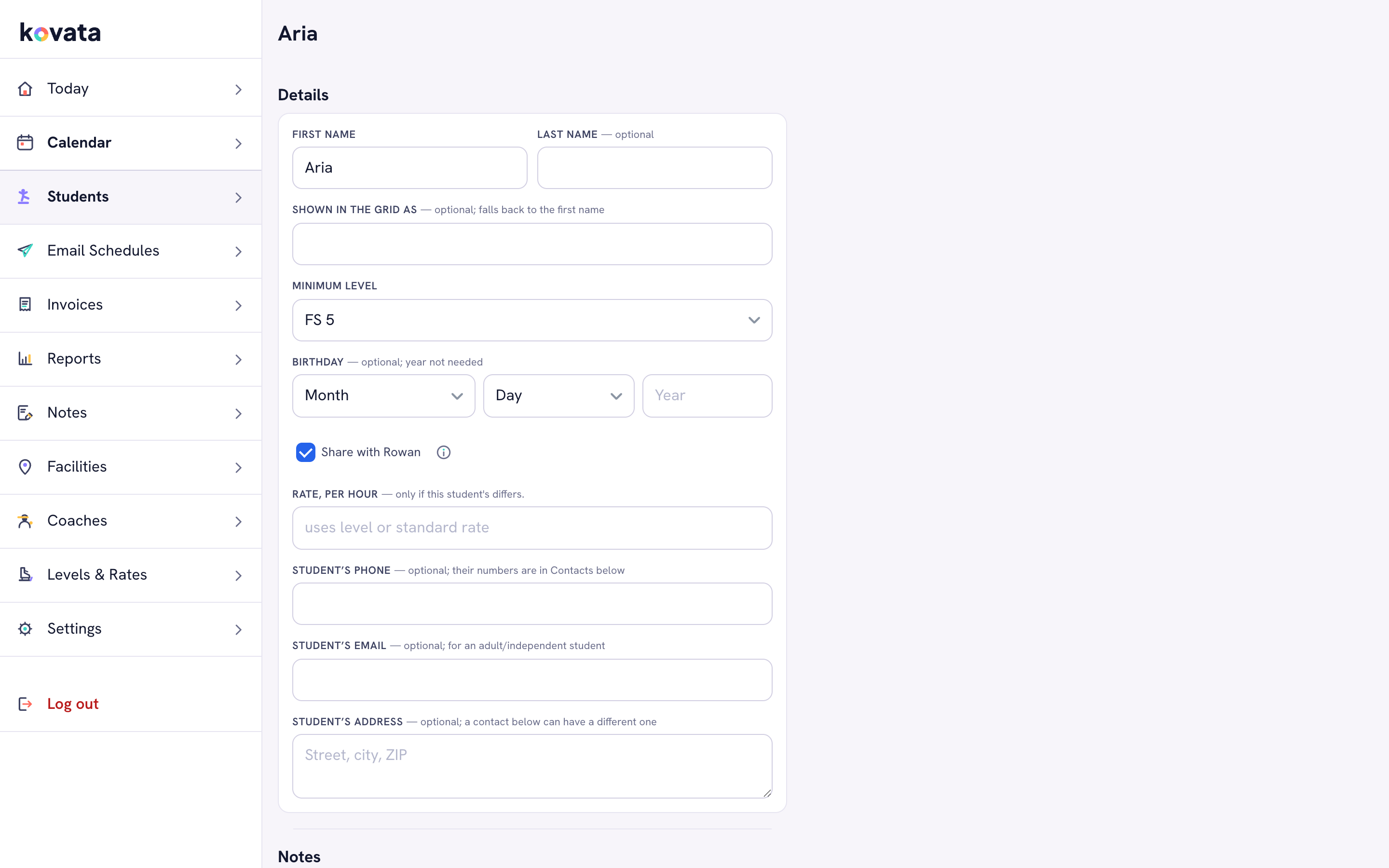
Type in the names you already know by heart.
Name, contact, a guardian if they’re a child, and the rate you charge. Five minutes for a small roster. You can paste from a spreadsheet if you’d rather.
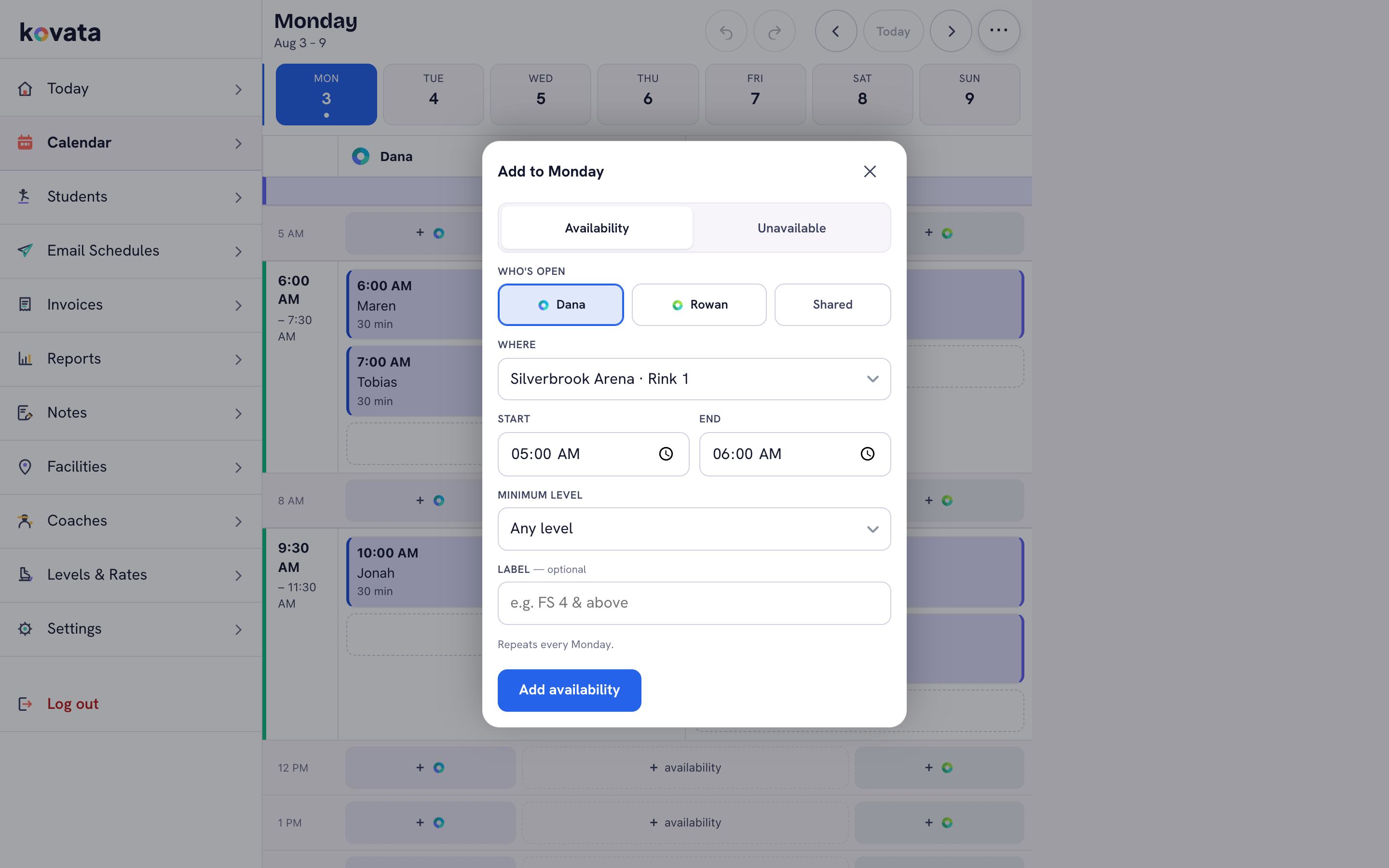
Set each weekly slot once and it repeats.
Tuesday 4pm with Maya, every week. Kovata fills in the calendar ahead of you, so the only thing you touch after that is the exceptions.
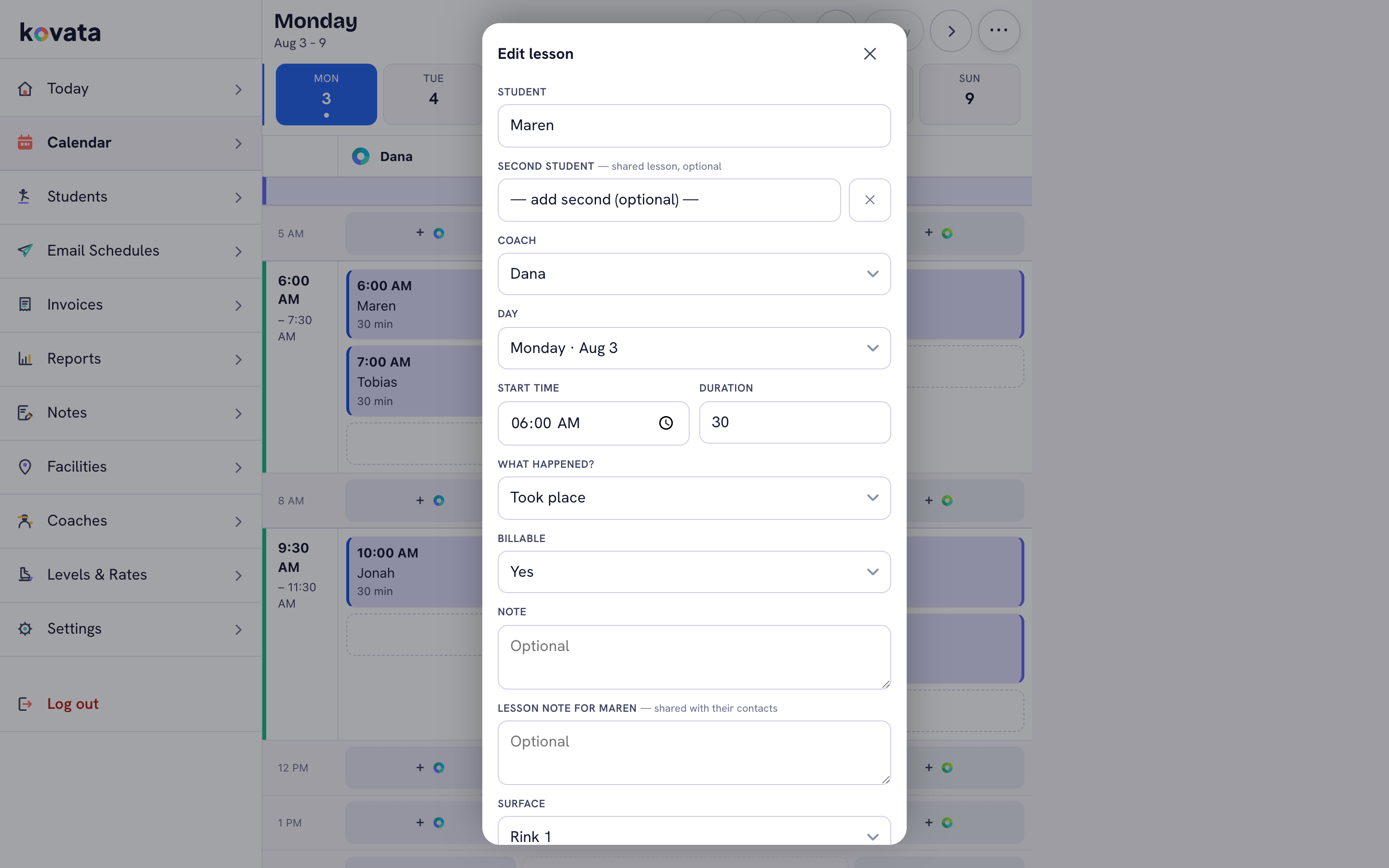
One tap after each lesson.
Mark it taught, cancelled or rescheduled, and jot what you covered. The shared note is what the student or parent sees — the private note is just for you.
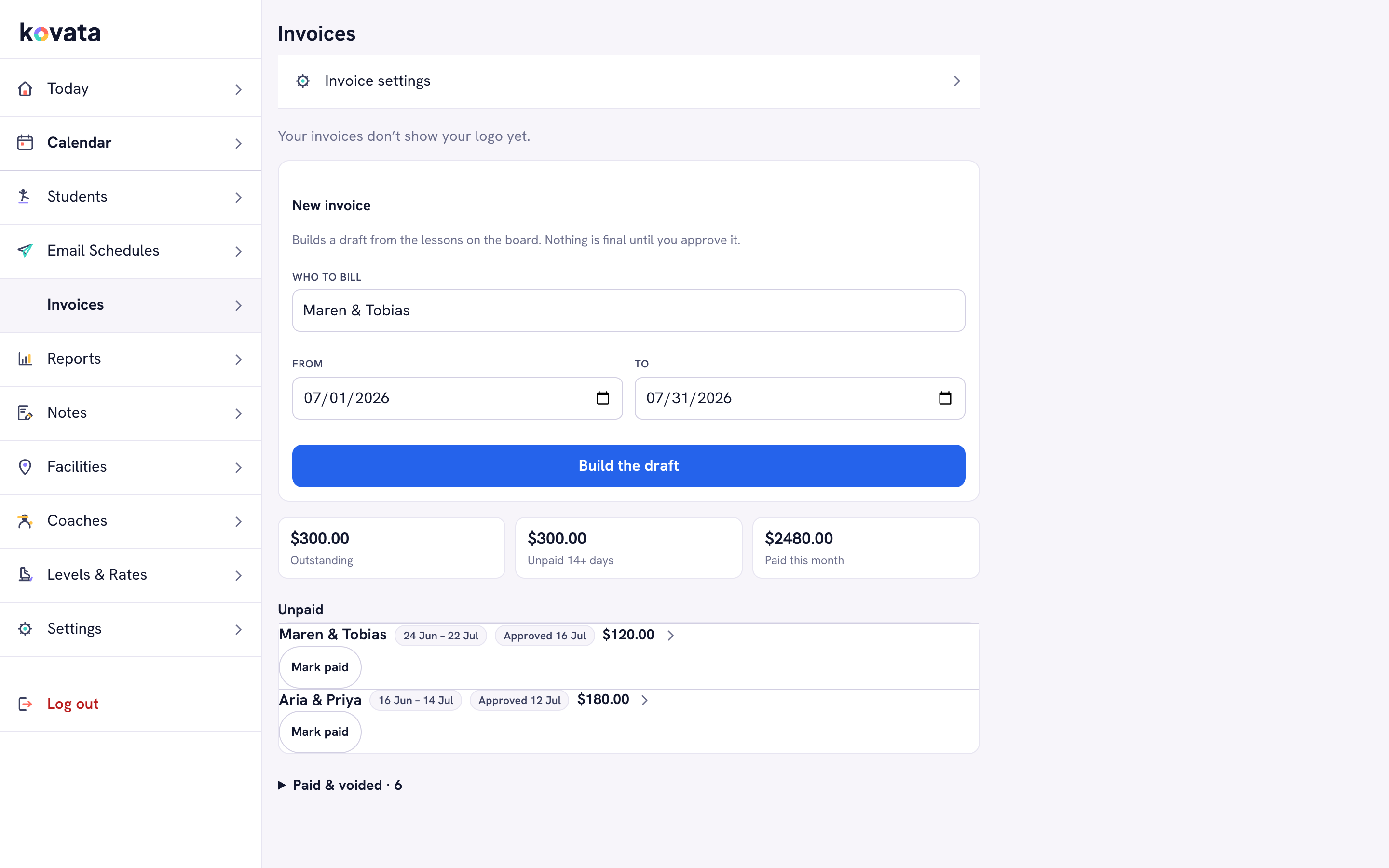
Bill for the month without doing math.
Choose a student and a date range and Kovata totals the lessons for you. Mark it paid whenever the money lands, however it arrives.
Short how-to guides
Two-minute reads for the things people ask about most.
Moving your roster off a spreadsheet
What to bring over, what to leave behind, and how to do it in one sitting.
Handling a cancellation or make-up lesson
Keep the record straight so your invoices and your numbers stay honest.
Sending your first invoice
From taught lessons to a bill your students understand at a glance.
Recording cash, checks and app payments
However you get paid, keeping the ledger accurate takes a few seconds.
Emailing schedules parents actually read
What to include so you stop fielding “what time is it again?” texts.
Reading your dashboard without a finance degree
What retention, completion rate and revenue trend actually tell you.